How It Works

At Civic Yearbooks, we know that your time is precious. We therefore ensure that the process of creating your perfect school yearbook is straightforward and easy.


We provide 3 different ways in which you can create your yearbooks. Simply choose the one that works best for you!


  • 1. Use our free templates
  • 2. Use your own choice of software
  • 3. Let us create your yearbook for you

Whichever option you choose, we provide unlimited telephone and email support!
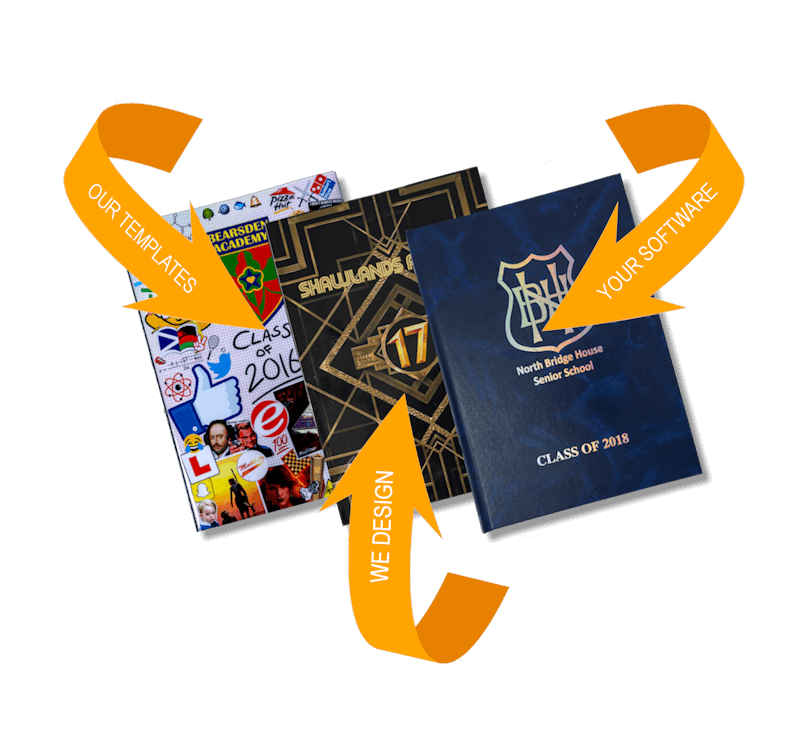


Image showing how to order your school yearbook

1. Use Our Free Templates

We will provide you with lots of templates, backgrounds and page layouts which you can use, saving you loads of time. Using the templates will also ensure your book looks highly professional.


The yearbook pages are also easily customised, so whether you want to change a template slightly or even quite a lot, this is really simple to do.


Our templates are designed for the following - Microsoft Powerpoint, Canva and Affinity - so you have a choice. Our template background images will also into most other software if you want create your book using something completely different.


MICROSOFT POWERPOINT


PROS

• Easy to use.
• Lots of people already use it.

CONS

• Pages can't be viewed as double page spreads.
• Design features slightly limited.

THIS OPTION SHOULD BE FINE FOR PRETTY MUCH ALL SCHOOLS AND SKILL LEVELS

CANVA


PROS

• Fairly easy to use.
• Lots of people already use it.
• Huge template library which you can use along with our templates.
• Cloud based storage.

CONS

• Pages can't be viewed as double page spreads.
• Can be slow uploading photos, as each photo has to be uploaded to the site before being imported into the book.

THIS OPTION SHOULD BE FINE FOR PRETTY MUCH ALL SCHOOLS AND SKILL LEVELS. IT IS SLIGHTLY LESS EASY THAN POWERPOINT BUT MOST PEOPLE WILL GET THE HANG OF IT FAIRLY QUICKLY

AFFINITY


PROS

• Loads of features.
• Double page spreads are available.
• Fast software performance once you have learned the software.

CONS

• Software is quite advanced so there is a bit of a learning curve.
• The huge amount of features can be overwheming for some users.

THIS OPTION IS MORE SUITED TO STUDENTS WITH A REASONABLY HIGH SKILL LEVEL WITH IT SOFTWARE

School yearbook self design

2. Use Your Own Choice Of Software

If you would prefer to use your own software to produce your book - no problem!


Just check with us first that it will be suitable.


Word, Publisher, Adobe Photoshop, InDesign, Serif PagePlus, Drawplus, & Affinity files are all fine. Anything that can create a PDF file is fine actually.

3. We Create Your Yearbooks

All you need to do is...

1. Create a folder for each page in your book.
2. In each folder put the text for that page typed in Microsoft Word, as well as all the pictures for that page, saved in a digital format (JPEGs).
3. We design your pages for you and send you a draft copy for checking.

Bespoke designed school yearbooks